
 Afrikaans
 Catalan
 Czech
 Danish
 German
 Greek
 English (UK)
 English (US)
 Spanish
 Finnish
 French
 Croatian
 Hungarian
 Italian
 Japanese
 Korean
 Latvian
 Malay
 Norwegian
 Polish
 Portuguese (Brazil)
 Portuguese (Portugal)
 Romanian
 Serbian
 Swedish
 Turkish
 Ukrainian
 Vietnamese
 Chinese (Simplified)
 Chinese (Traditional)
Vehicle Sound Editor
34.99 EUR
29.74 EUR
Description
Vehicle Sound Editor
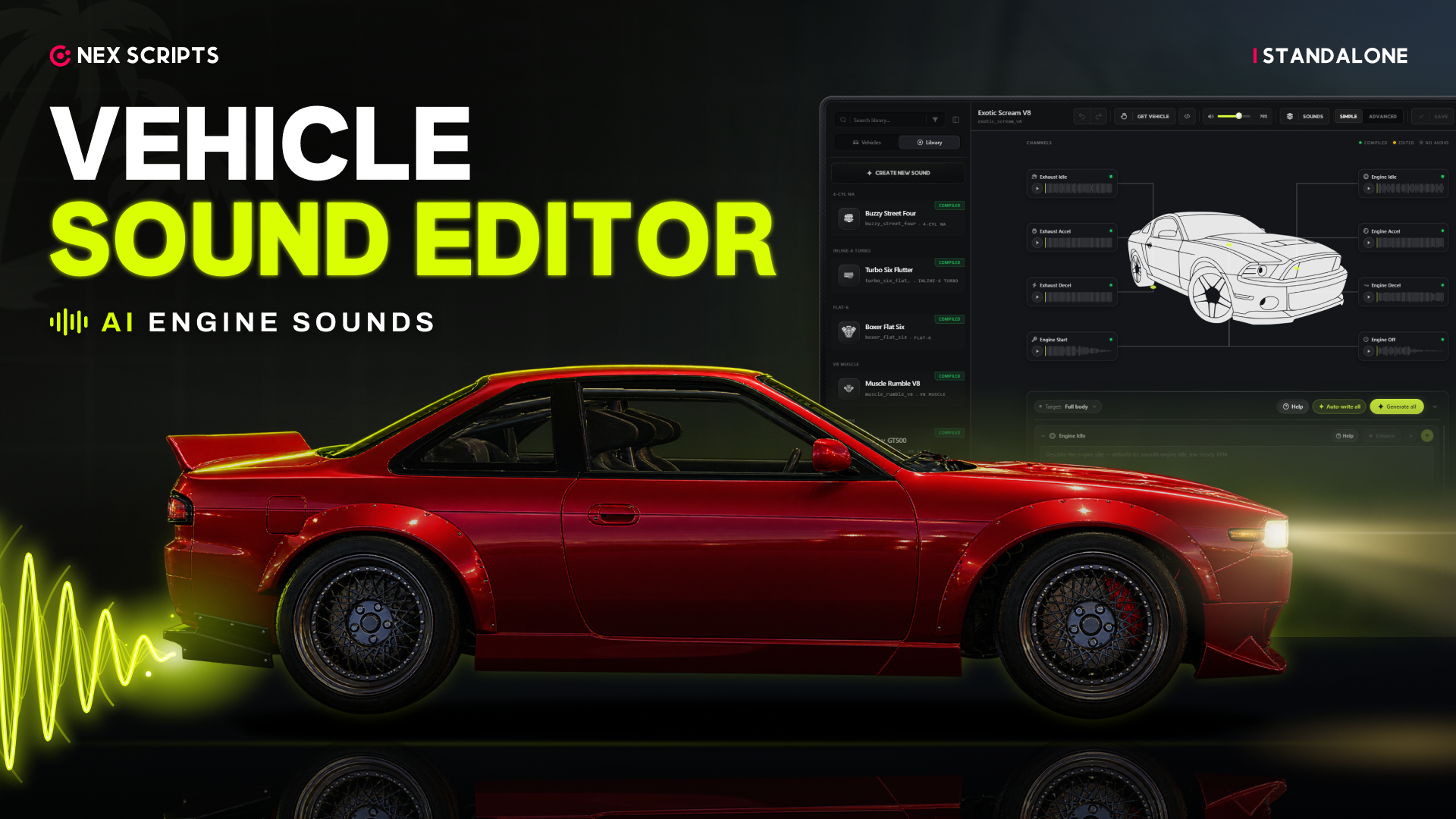
Make custom engine sounds in game, put them on any car, and if you want, sell them to your players. Type /vse and the editor opens in game. You don't need OpenIV, CodeWalker or any coding.
▶ Watch the preview video · See every feature on our store
What you get
- An in-game editor for idle, acceleration, deceleration, start-up and shut-off, with pops, dump valves and a built-in driving simulator
- A built-in library of 28 engine sound banks and 64 pop, limiter and dump valve clips
- Use your own recordings, search Freesound, or generate sounds with AI using your own ElevenLabs key (optional)
- Assign a sound to any vanilla or addon vehicle without editing any .meta files, and every player hears it
- Optional sound shop: players buy a sound for their own car, fitted by a mechanic or at a self-service spot, with a test drive first
Requirements
- Works with QBCore, Qbox, ESX or no framework at all
- AI generation and Freesound search each need a key of your own; everything else works without them
How you receive it
Right after payment, the script appears in your Cfx.re Keymaster under Granted Assets, on the Cfx.re account you logged in with at checkout. Download it there. The download has two resources: onex-vehicleSoundEditor and onex-vehicle_sounds, where your compiled sounds are saved. Put both in your resources folder and follow the setup guide on onexscripts.com.
The script is protected with FiveM Asset Escrow. The framework, inventory and target bridges are open files, so you can adapt them to your server.
Top Customer
Recent Payments
-

DevaPathLegend - Weapon Meta Editor
-

NawafAlqhtani - Voice Interaction
-

Fletch_713Gaming - Voice Interaction
-

CarloGamer509 - Voice Interaction
-

Brit2StatesGroup - Weapon Meta Editor